How to start playing
- Open pokemonfight.com/game in a desktop browser, or on a phone or tablet turned sideways.
- Choose Story Mode or Battle Mode on the title screen.
- Sign in with Google when asked. Sign-in opens in a pop-up; if your browser blocks pop-ups, the page goes to Google and comes back to the mode you chose.
- In Story Mode, choose New Game, name your trainer, pick their look and name your rival. In Battle Mode, choose AI Trainers to fight the game’s trainers, or Human Trainer to invite a friend.
What you need to play Pokémon in your browser
You don’t pick graphics settings to get started: the game chooses a preset from what your browser reports about the device, and turns optional effects off on its own if the device can’t run them. You can change the preset later in Settings.
On a computer there is no emulator, ROM or installer: see playing Pokémon Fight on PC for which systems it has been played on.
- A current desktop browser with WebGL graphics, which a 3D Pokémon browser game needs to draw its world. Pokémon Fight is developed in Chrome, Edge and Firefox.
- A keyboard and mouse, or a touchscreen phone or tablet in landscape. Touch controls appear by themselves on touch-first devices.
- A Google account. Both modes need one, because your progress is kept with your account.
- An internet connection. Saves are stored online, and multiplayer battles run on the game’s server.
Your saves follow your Google account
Pokémon Fight keeps no saves in the browser. Each account has an Autosave and three save slots stored online, so you can stop on one computer and carry on from another, or from a phone, by signing in with the same account.
Refreshing the tab in the middle of Story Mode takes you straight back into the same journey. Battle Mode never writes to your Story save. To sign out, open your profile picture in the corner of the title screen.
Story Mode or Battle Mode?
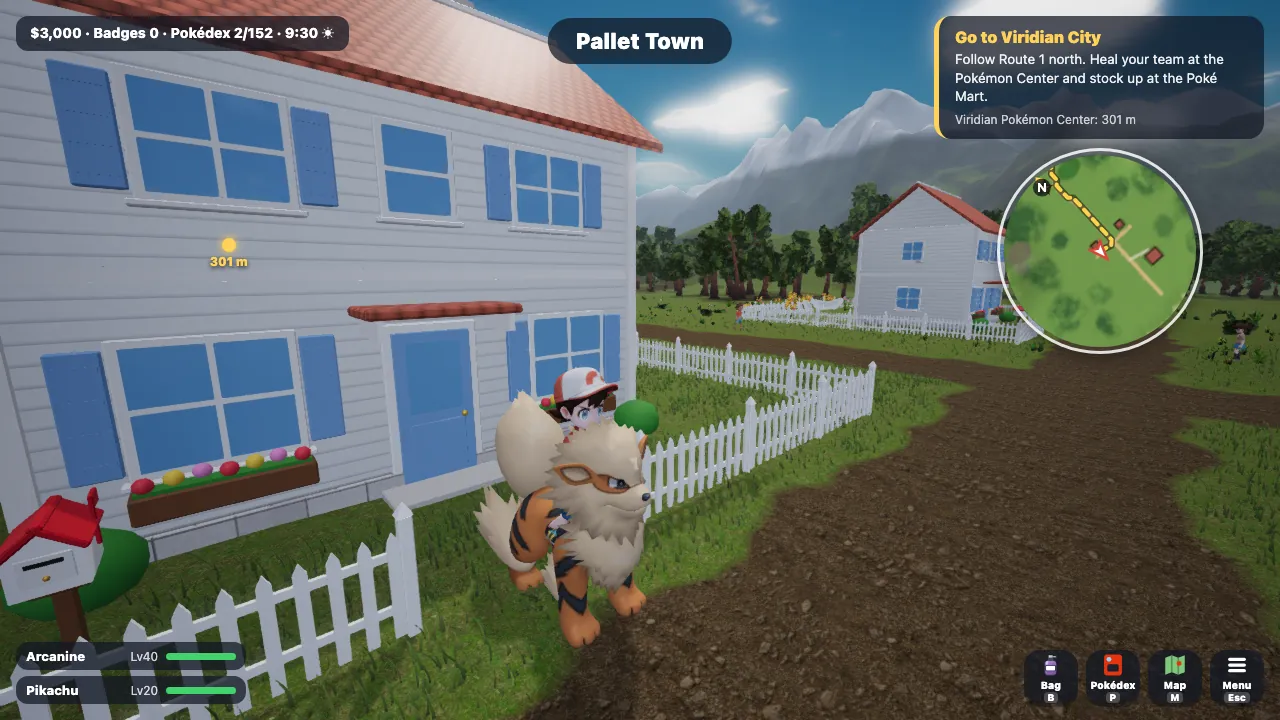
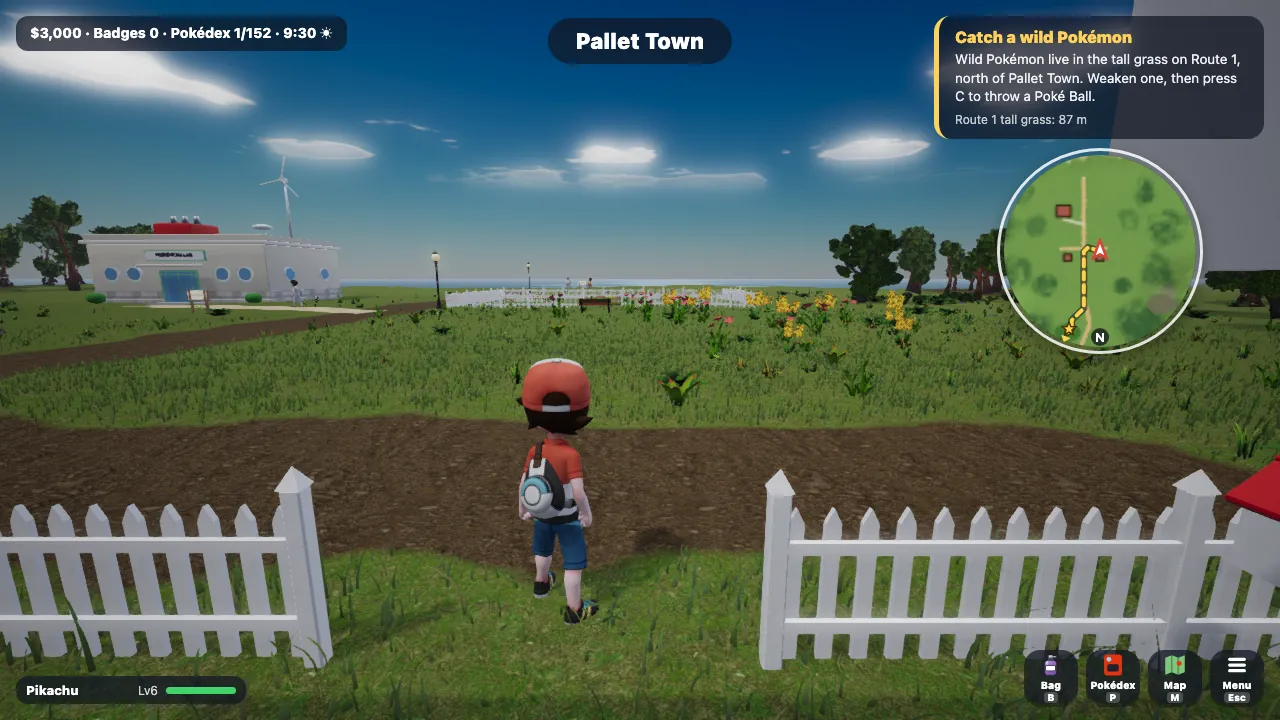
Story Mode is the full journey. You begin in Pallet Town, choose Bulbasaur, Charmander, Squirtle or Pikachu, catch wild Pokémon, and take on the eight Kanto Gyms, the Elite Four and the Champion, with the Orange League beyond them. The monster-catching guide explains how catching works.
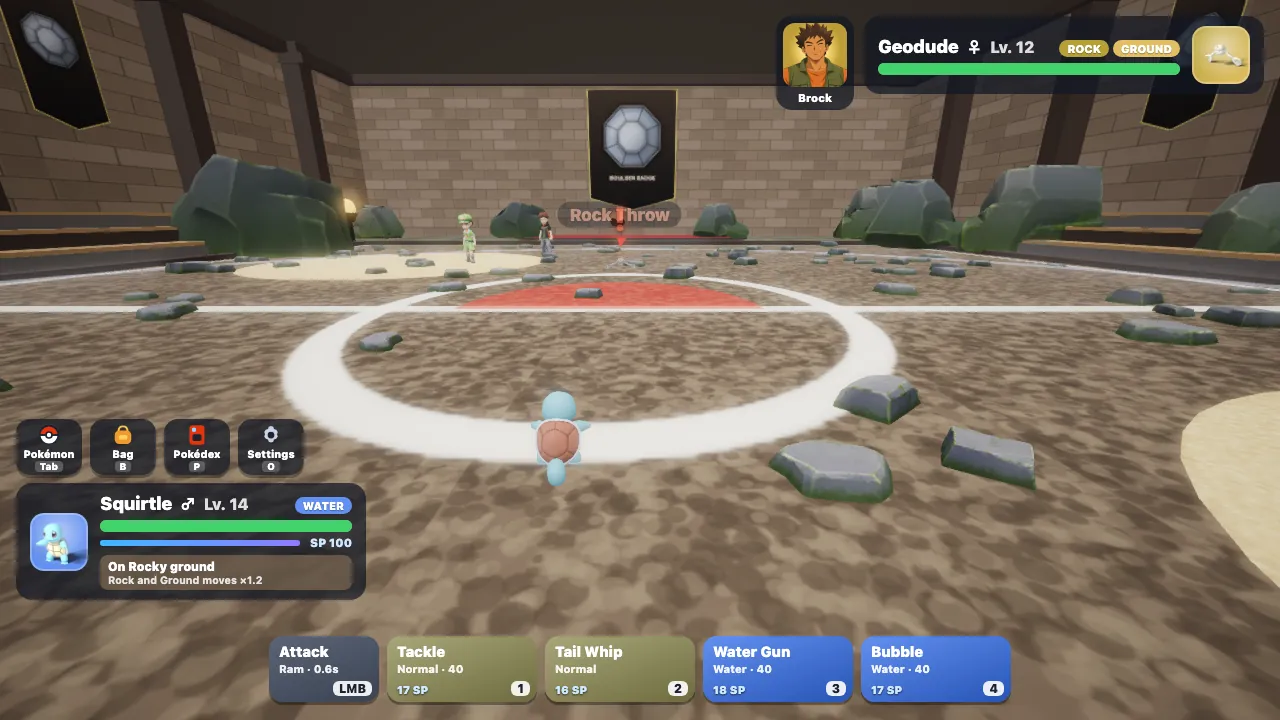
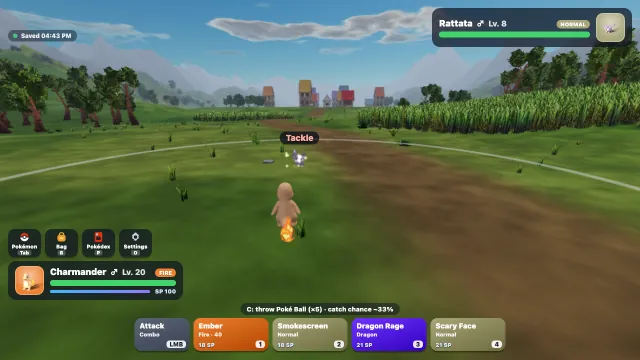
Battle Mode skips the journey. Pick any of the 152 Pokémon, set their levels, moves and held items, then fight one of the game’s trainers on a stadium, landmark or Gym stage, or invite a friend by link. The real-time battle guide covers the controls.
Looking for other browser games? See the best Pokémon fan games.
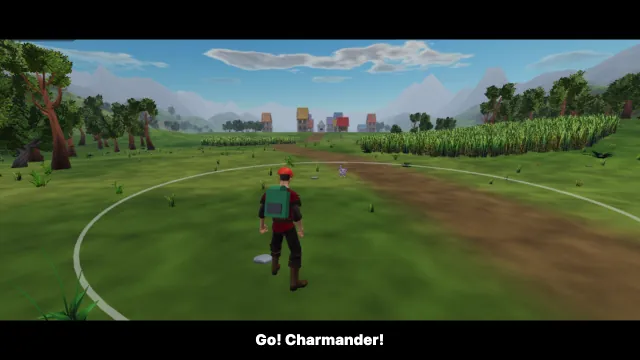
Online Pokémon battles with friends
Pokémon Fight is also an online Pokémon game you can play with a friend. In Battle Mode, choose Human Trainer to send an invite link; you draft teams in turns and battle one-on-one in real time at level 50. Both players sign in with Google, and the battle runs on the game’s server so both screens show the same fight. How online battles work.
Questions and answers
Do I need to download or install anything?
No. Pokémon Fight runs inside the browser tab. The 3D world, models and textures load as you play.
Is Pokémon Fight free?
Yes. It is a non-commercial fan project with nothing to buy.
Can I play on a phone or tablet?
Yes, in landscape. Story Mode and Battle Mode both have touch controls: a movement pad and an action button for exploring, and attack, move and dodge buttons in battle. A few desktop battle controls, such as flying and guarding, are not part of the touch layout.
Why does it ask me to sign in with Google?
Your journey is stored online with your account instead of in the browser, so both modes need a sign-in. That is also what lets you continue on another device.
Is this an official Pokémon game?
No. Pokémon Fight is an unofficial fan project and is not affiliated with Nintendo, Creatures, GAME FREAK or The Pokémon Company.
Updated