What you need
Nothing is installed. The game is a new 3D game written for the browser, not an emulated Game Boy or DS game, so there is no ROM to find and no emulator to set up. The browser guide has more on how it runs.
- A desktop or laptop browser with WebGL graphics: a current Chrome, Edge or Firefox. The game picks a graphics preset for your computer on its own, and you can change it in Settings.
- A keyboard and mouse. The game is built for them on a computer; touch controls appear only on phones and tablets.
- A Google account, because both modes keep your progress online with it.
- An internet connection: the 3D world loads as you play, saves are stored online and multiplayer battles run on the game’s server.
Controls on a keyboard and mouse
The real-time battle guide has the full table of battle controls, with the touch layout beside it.
- Exploring: W A S D to walk, Shift to run, Space to jump and the mouse to look around. E talks and uses doors, F gets on the Bicycle or a Pokémon you ride, M opens the map (and Fly), and Esc the menu.
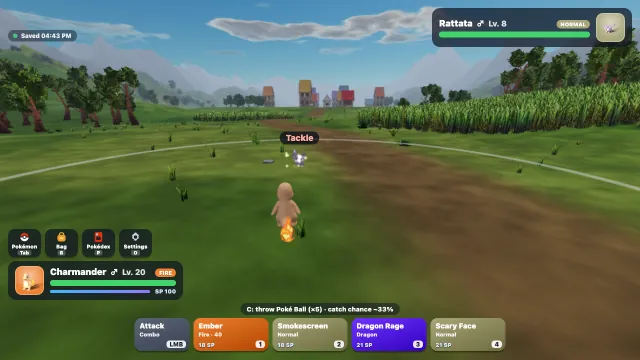
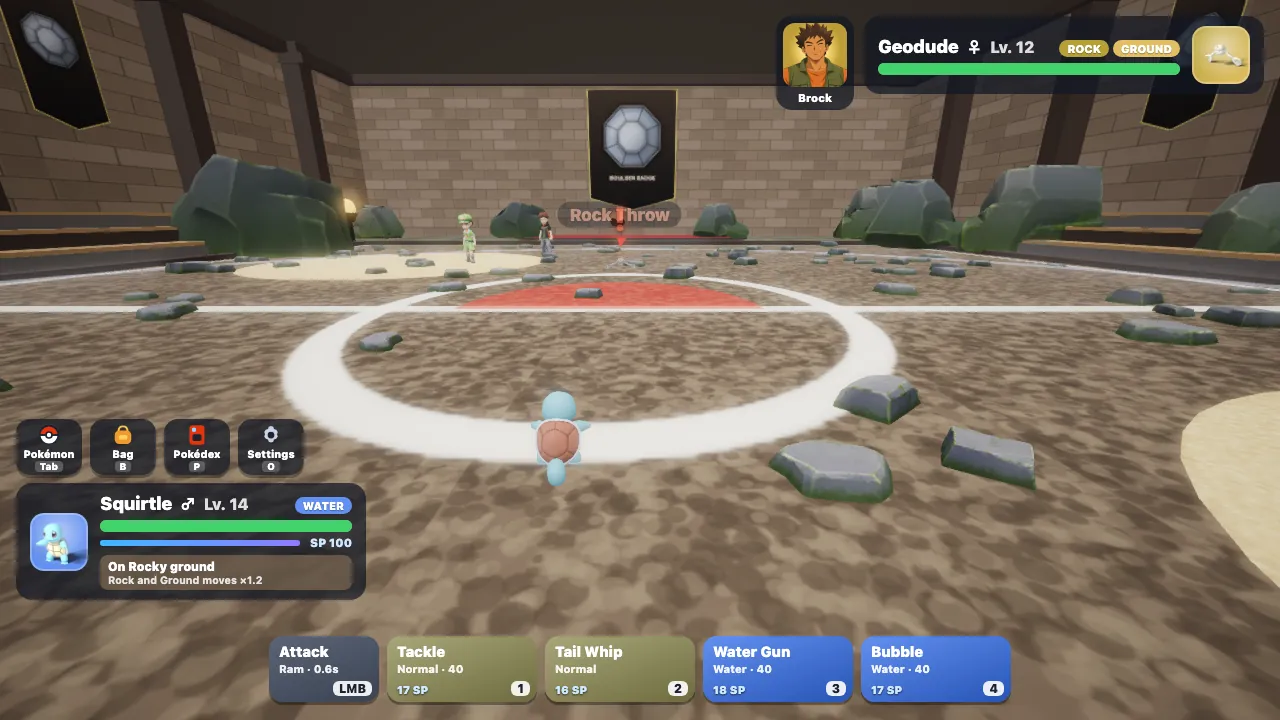
- Battles: W A S D moves your Pokémon, the mouse aims, left click attacks, keys 1–4 pick its moves, Shift dodges and the right mouse button guards. Flying Pokémon take off and land with F.
- Wild battles: C throws a Poké Ball.
Story Mode or Battle Mode
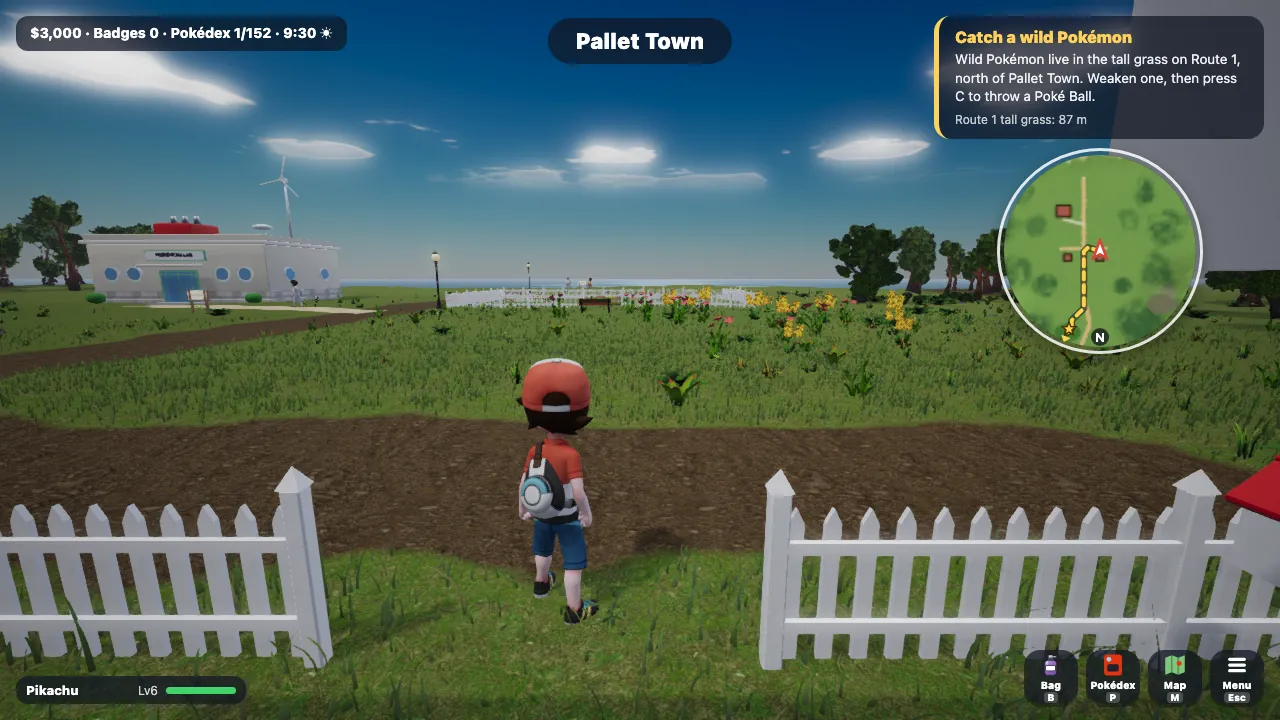
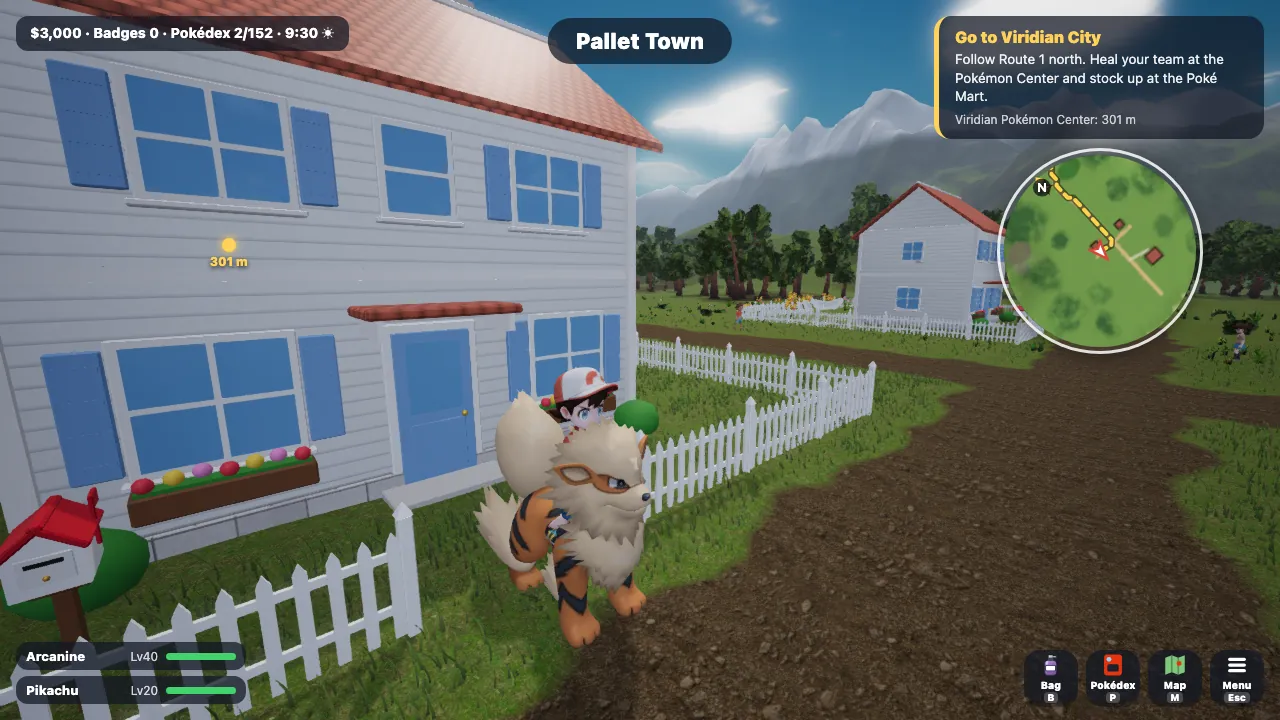
Story Mode is the journey: start in Pallet Town with Bulbasaur, Charmander, Squirtle or Pikachu, catch wild Pokémon, beat the eight Kanto Gyms, the Elite Four and the Champion, then sail to the Orange Islands for the Orange League.
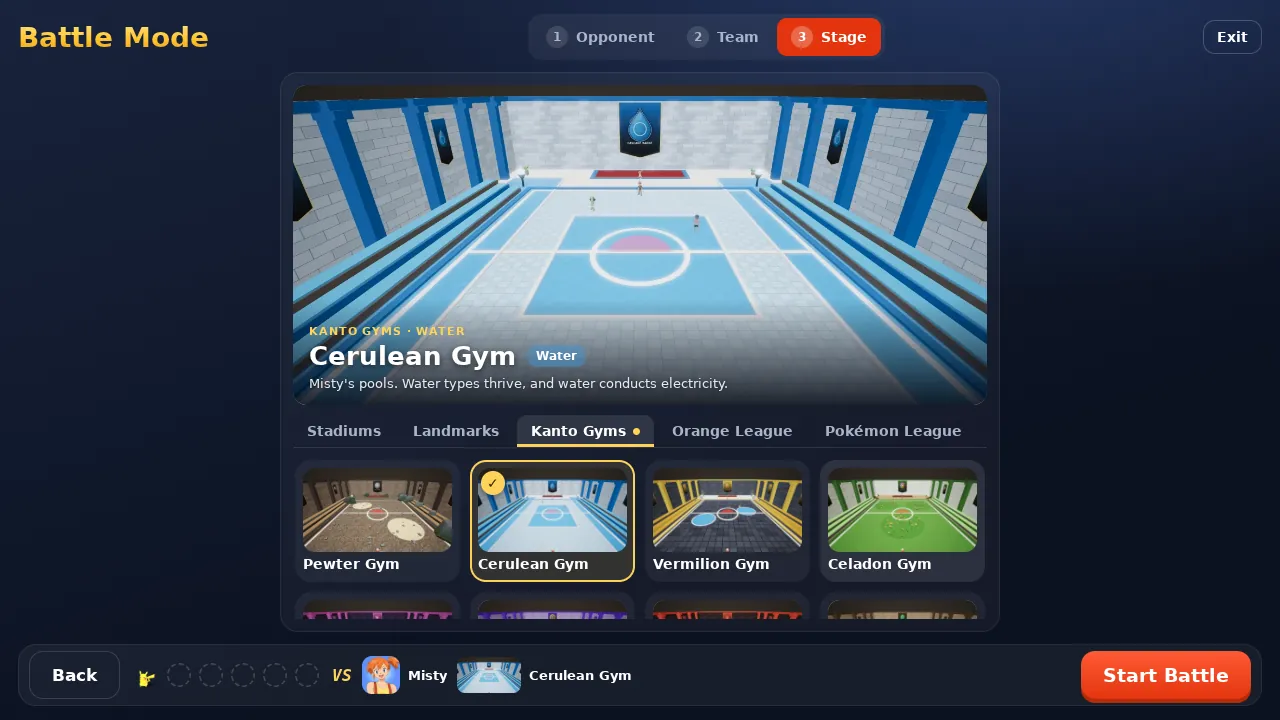
Battle Mode skips the journey. Draft any of the 152 at any level with any moves and held items, then fight one of the game’s trainers on the stage you choose, or invite a friend to a one-on-one online battle. See the Battle Mode guide.
Your saves follow your Google account
Nothing is saved on your computer. Each Google account has an Autosave and three save slots stored online, so you can play on one PC and carry on from another, or from a phone, by signing in with the same account. Battle Mode never changes your Story save.
Questions and answers
Do I need an emulator or a ROM?
No. Pokémon Fight is a new 3D game built for the browser, not an emulated Game Boy or DS game, so there is no ROM or emulator.
Does it work on Mac, Linux and Chromebook?
On Windows and on Mac, yes: players have played it on Windows in Chrome, Edge and Firefox, and on Mac in Chrome and Safari. Linux and Chromebook are not yet tested.
Is it free?
Yes. It is a non-commercial fan project with nothing to buy and no advertising.
Is this an official Pokémon game for PC?
No. Pokémon Fight is an unofficial fan project and is not affiliated with Nintendo, Creatures, GAME FREAK or The Pokémon Company.
Updated