Pokémon Fight guides
Everything about how Pokémon Fight plays: in your browser, on PC and on your phone, its 3D world, catching, real-time battles, Battle Mode and multiplayer.
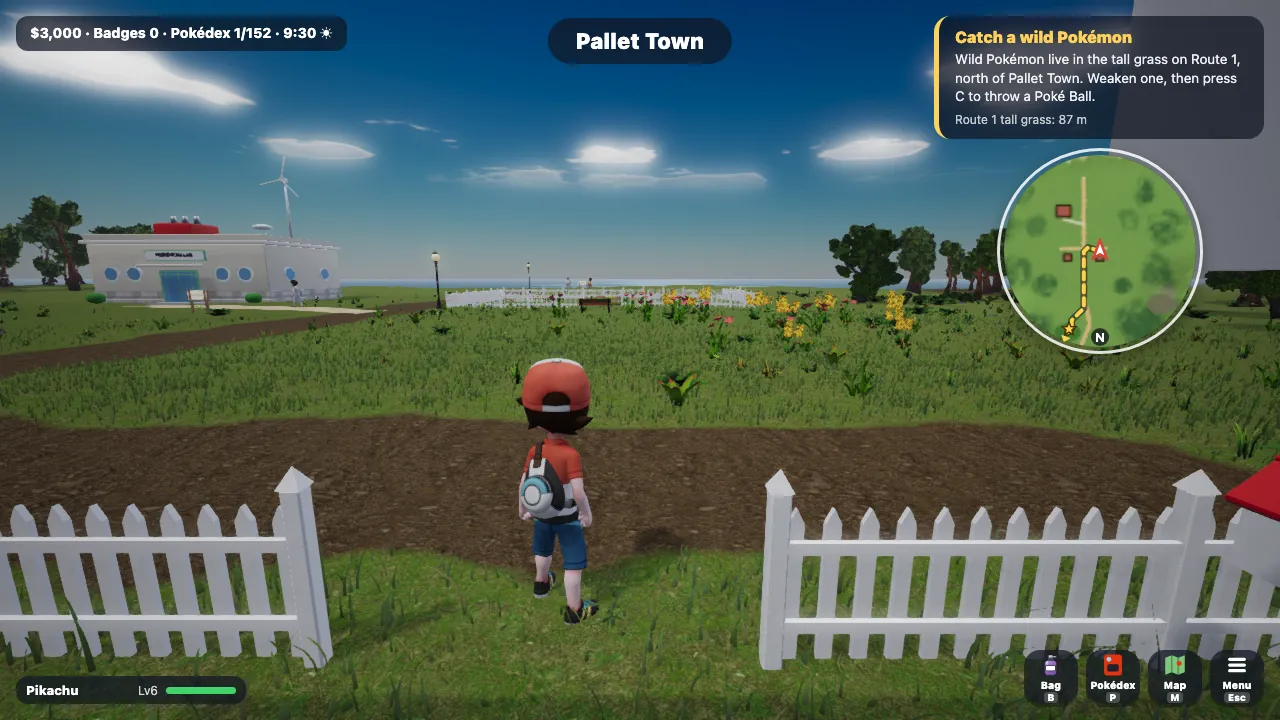 Play a 3D Pokémon game in your browserNo download: what you need, how sign-in works and where your saves live.
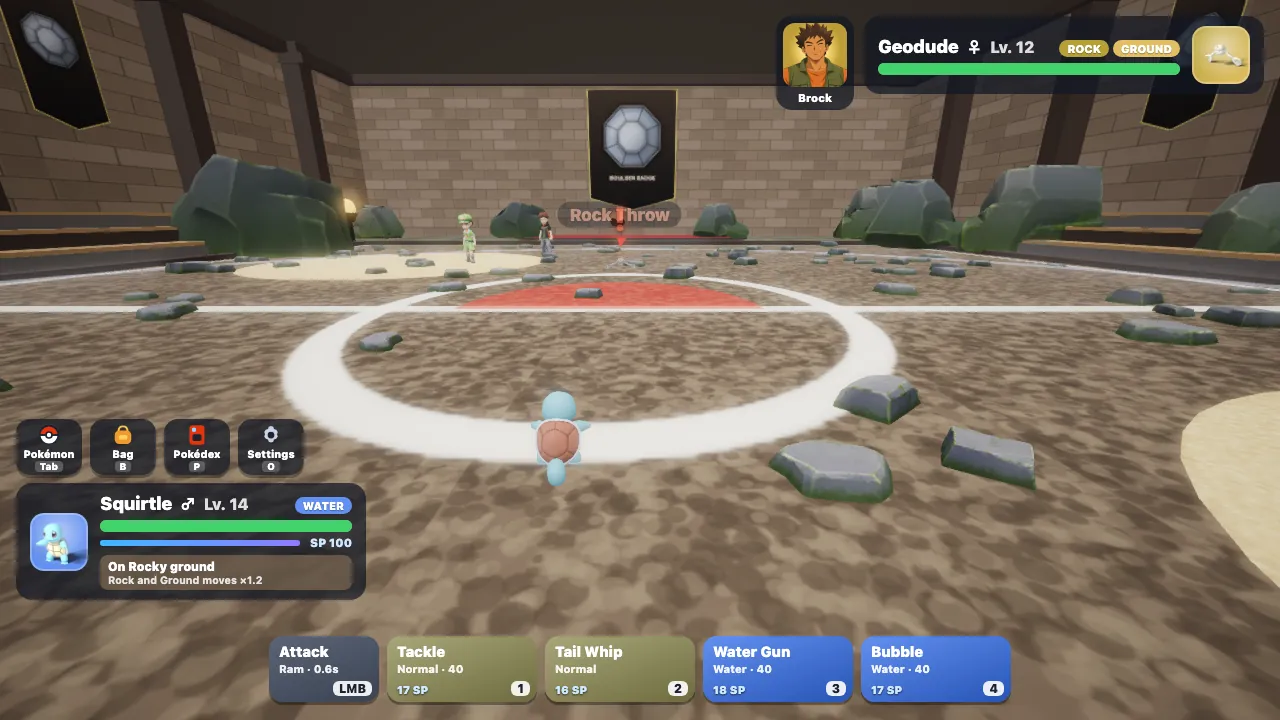 A free Pokémon game for PC, no emulator or downloadA free Pokémon fan game for Windows and Mac that runs in the browser: no emulator, ROM or download.
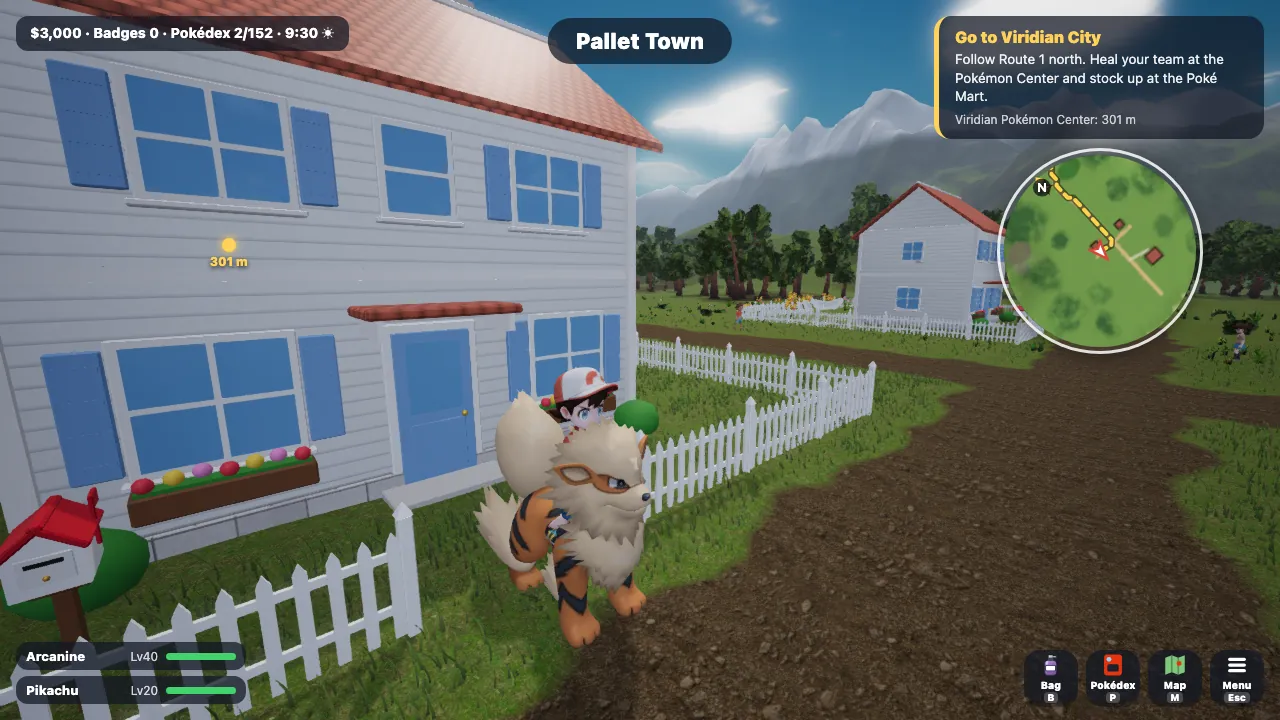 A Pokémon game in full 3DA 3D Kanto to explore, Pokémon to ride and fly on, and 3D battle stages.
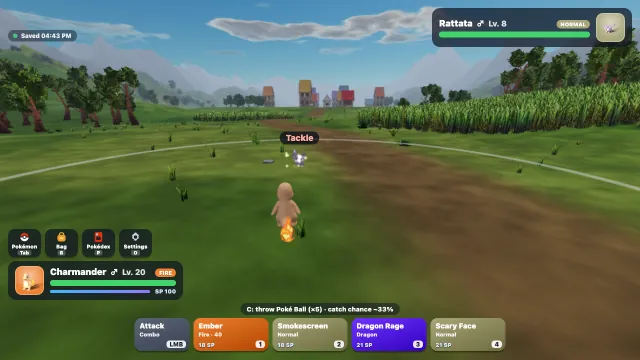 Catch monsters in 3D: how capturing worksFind, weaken and catch wild Pokémon, and collect all 152.
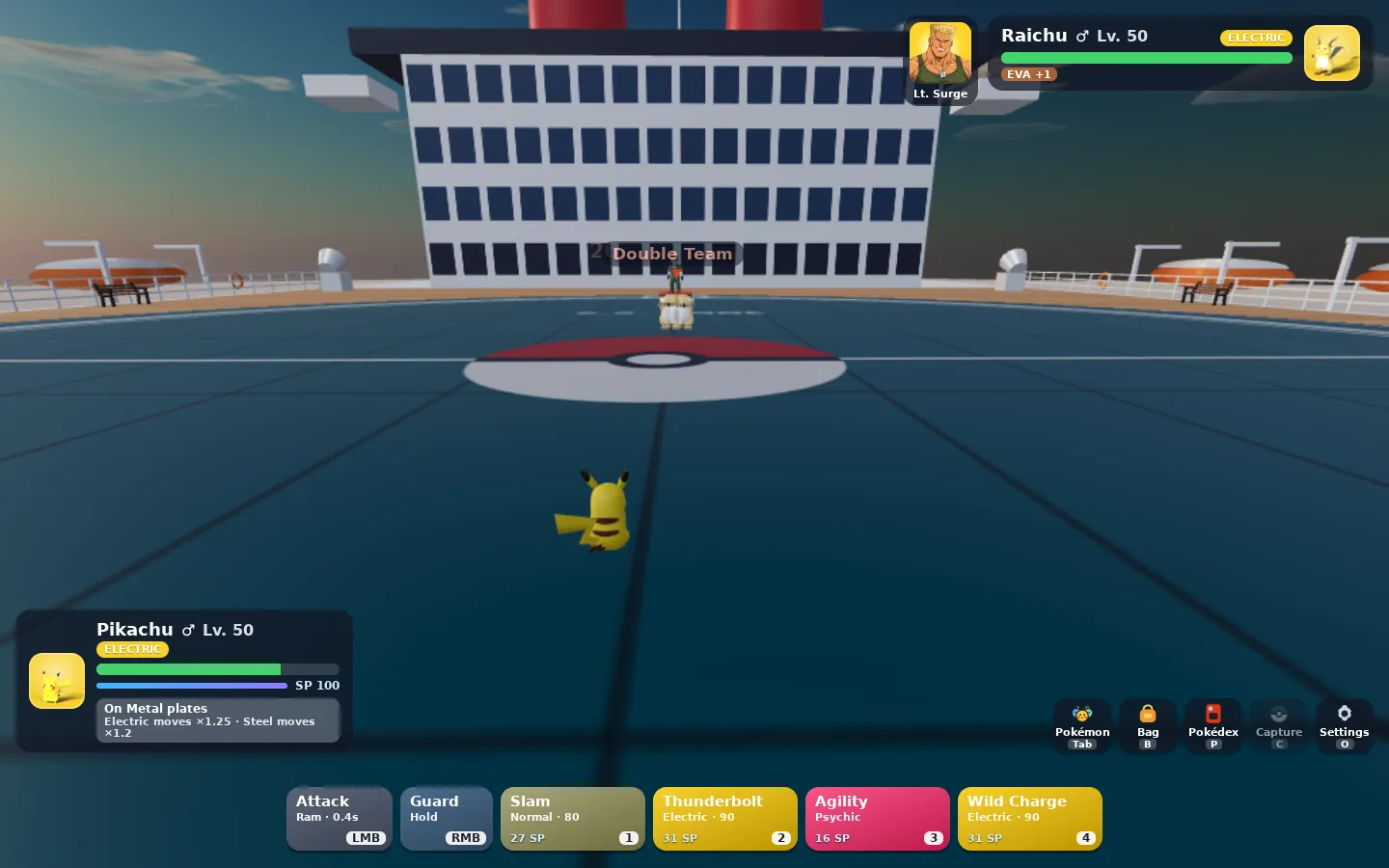 Real-time Pokémon battles, not turnsSteer your Pokémon, dodge, guard and fire moves on cooldowns. No turns.
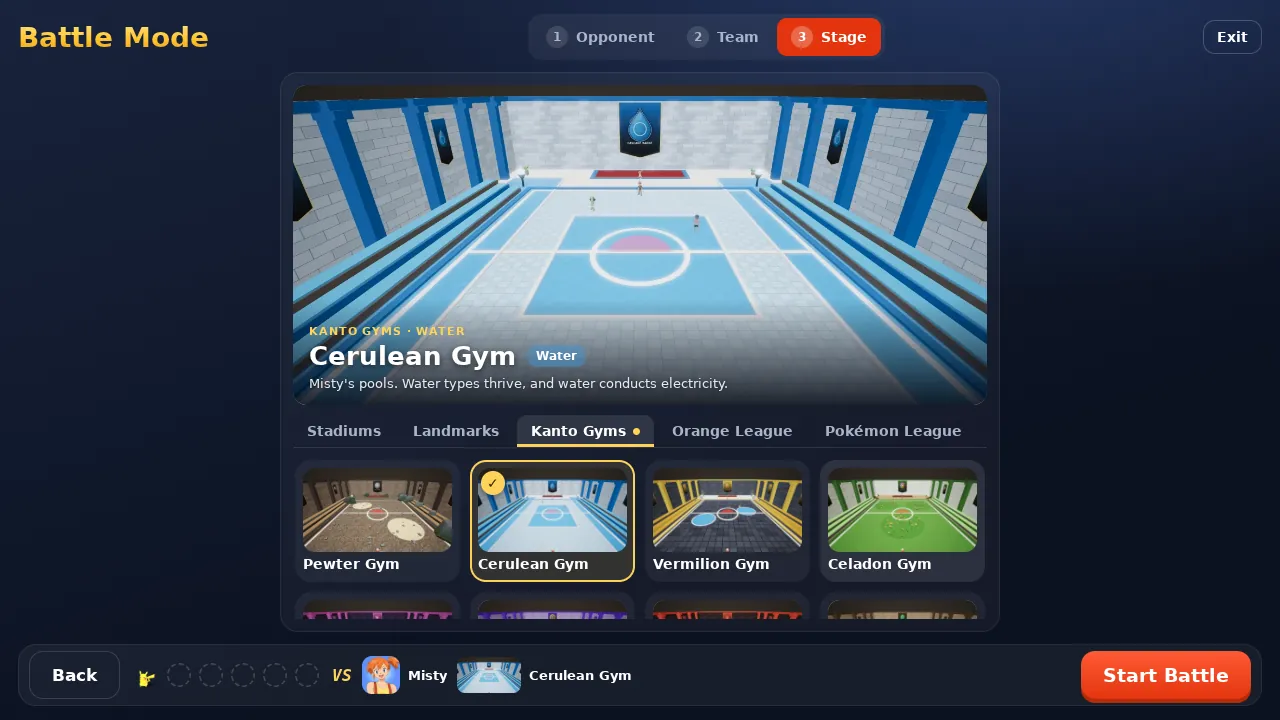 Battle Mode: a 3D Pokémon battle simulatorDraft any of the 152, set moves and items, and fight any Gym Leader on any stage.
- Pokémon battles online with a friendInvite a friend by link, draft teams in turns and battle in real time.
- Play Pokémon Fight on your phone or tabletTouch controls for exploring, catching and battling, in landscape.
Walkthroughs on the blog
Try it yourself
The quickest way to learn is to play. It is free and runs in your browser.
Free to play · Google sign-in needed for both modes · Desktop, or a phone or tablet in landscape