Getting started on a phone
- Open pokemonfight.com/game in your phone’s browser.
- Turn the phone sideways. Until it is in landscape, the game shows a screen asking you to rotate it.
- Tap Story Mode or Battle Mode and sign in with Google. Where the browser allows, the game goes full screen.
Exploring by touch
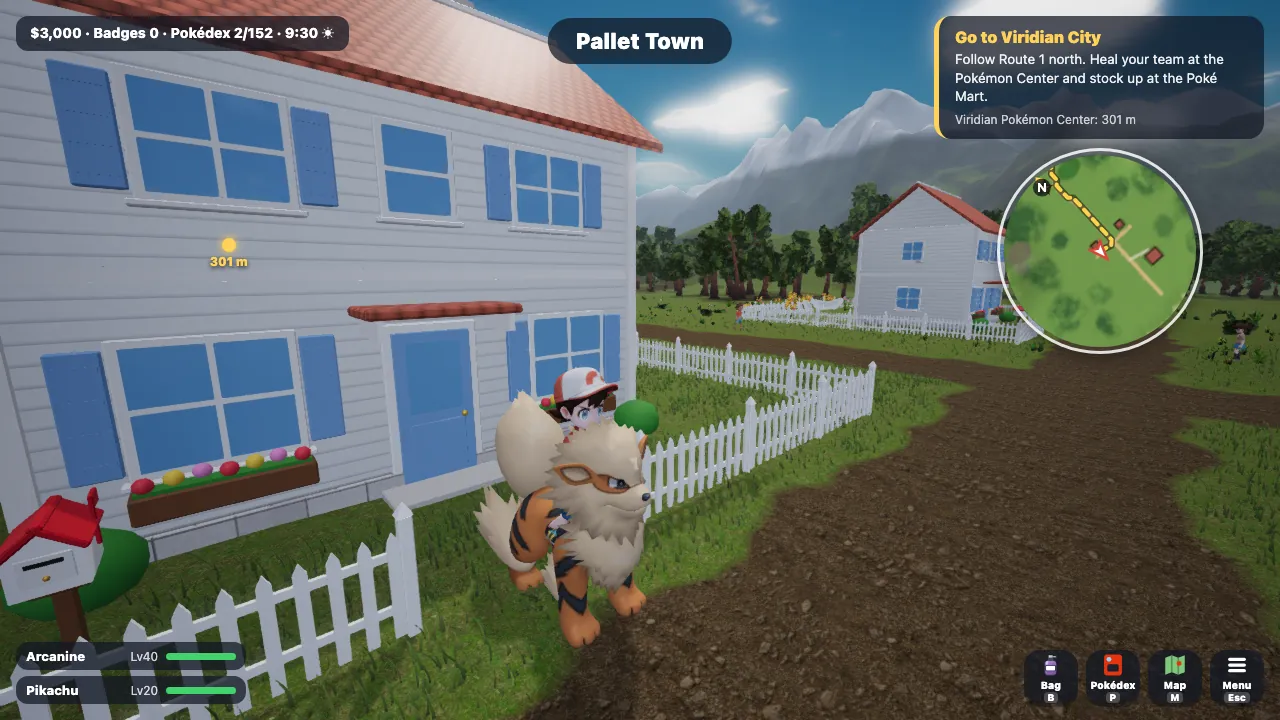
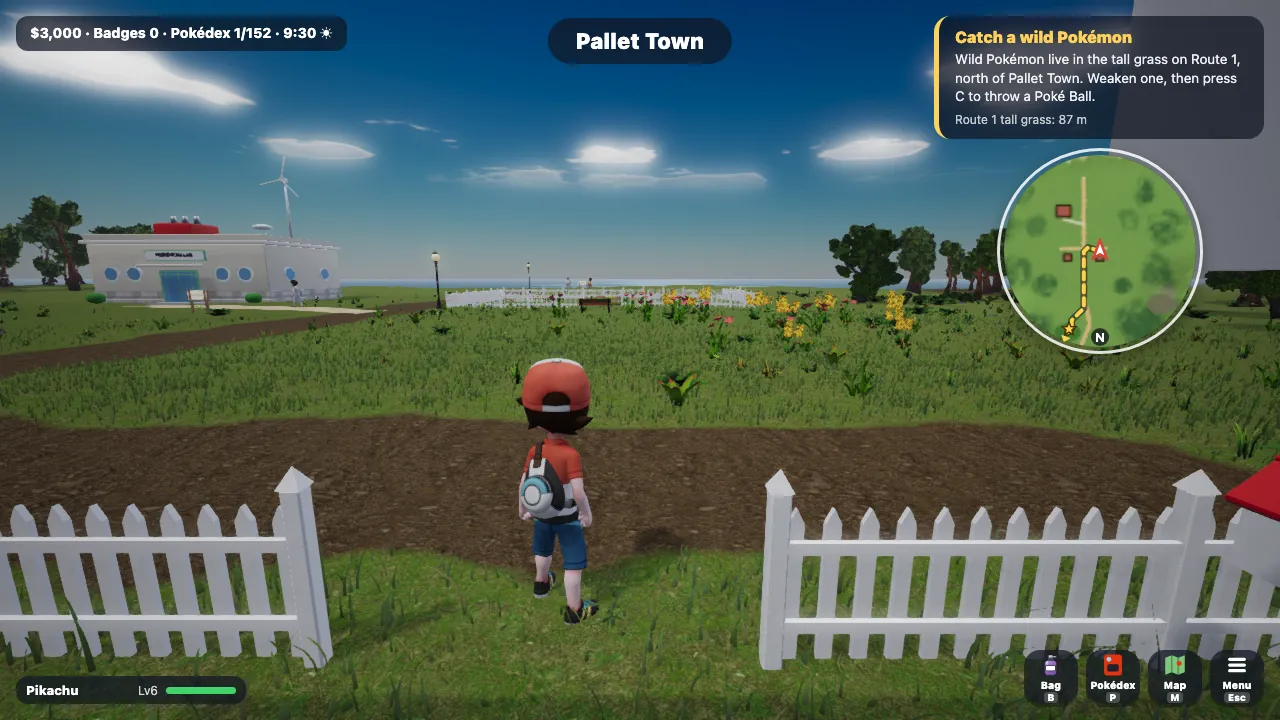
- The movement pad in the bottom left walks your trainer: a short push walks, a push to the rim runs. It steers your bicycle or the Pokémon you ride too.
- Drag a finger on any open part of the screen to turn the camera.
- The action button in the bottom right does whatever is in reach and shows it as an icon with its words: talk, read a sign, open a door, Surf, Cut, push with Strength, ride, use the PC, fish or pick something up.
- Menus, the Bag, the Pokédex and Fly on the map all work by tap.
Battling by touch
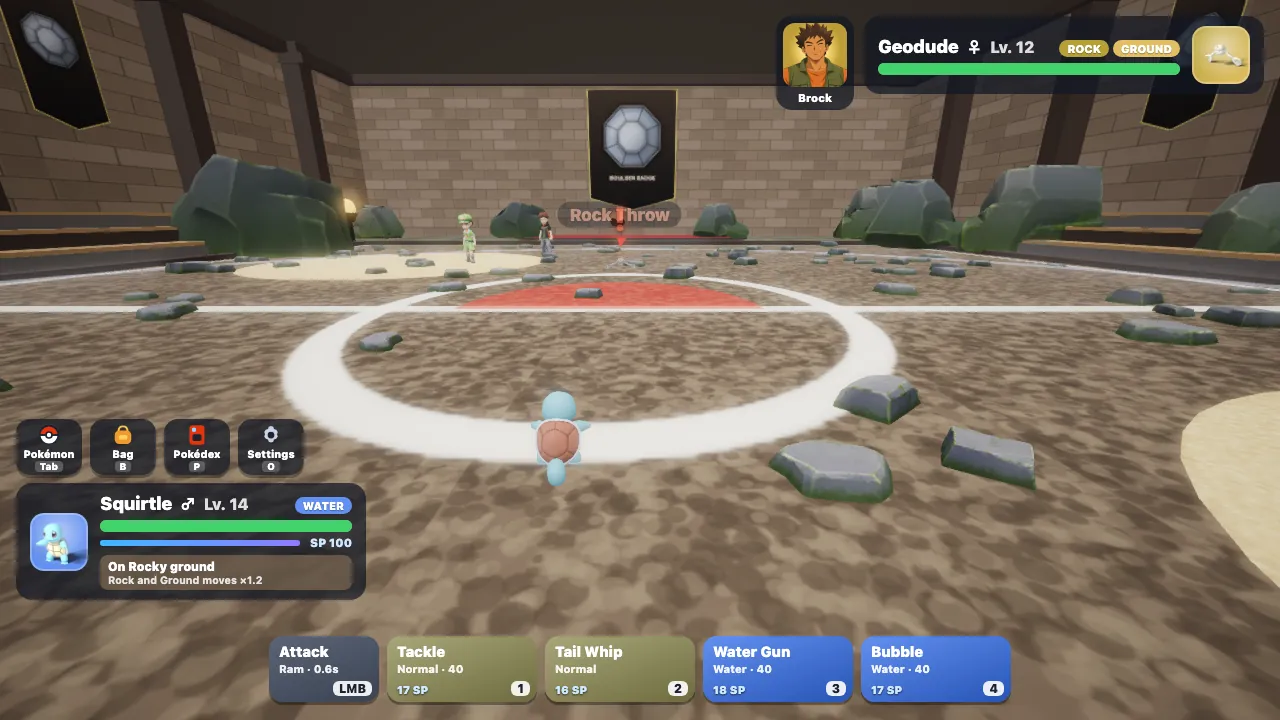
- The same movement pad steers your Pokémon, and the camera locks on to the foe.
- Dodge is the large button in the bottom-right corner.
- ATK and your four moves sit beside it. A move tap tries the move once, with its usual SP cost and cooldown.
- In a wild battle, the Poké Ball button throws straight at the wild Pokémon.
- Flying, guarding and jumping in battle are keyboard-and-mouse controls with no touch button.
What to expect
The touch layout appears on touch-first devices: phones, and tablets without a mouse. A tablet used with a mouse or trackpad keeps the desktop controls. The game picks its graphics settings from what your browser reports about the device, and you can change them in Settings.
How smoothly the game runs depends on the device. No frame-rate figures for particular phones have been published. The browser guide covers everything else you need to play.
Questions and answers
Which phones and browsers does it work on?
It needs a current mobile browser with WebGL graphics, and the touch layout also recognises Samsung’s browsers. Pokémon Fight is developed in Chrome, Edge and Firefox; no list of tested devices has been published.
Can I play in portrait?
No. The game plays in landscape only, from the title screen to every battle.
Will my progress carry over to my computer?
Yes. Saves are kept online with your Google account, so you can continue on any device where you sign in.
Updated